Terminology & Jargon
Beware of using jargon and avoid using abbreviations, acronyms and initialisms. Always put jargon and unique terminology into customer-friendly language. Abbreviations should be expanded the first time they appear in content.
Technology Terms
Examples:
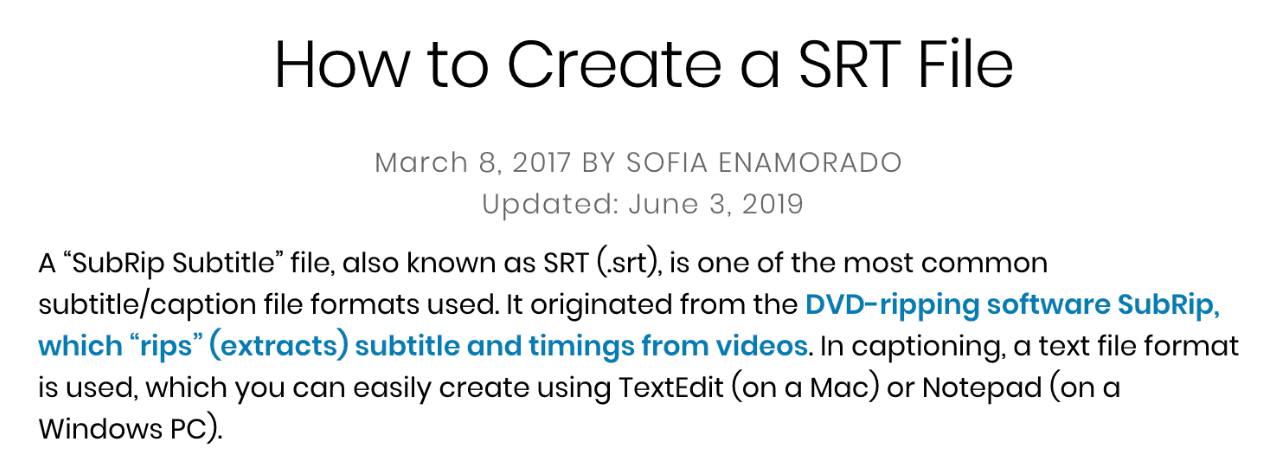
- "SRT file" - "SubRip Subtitle file" (+ all file format abbreviations mentioned in app or on site)
- "SEO" - "Search Engine Optimization"
- "LMS" - "Learning Management Software"
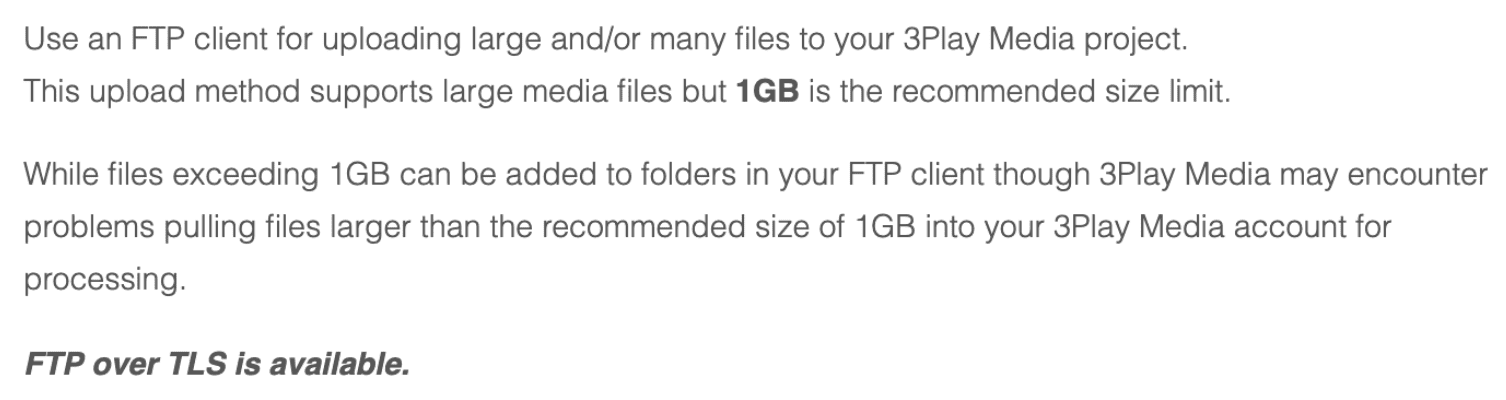
- "FTP" - "File Transfer Protocol"
- "ASR" - "Automated speech recognition"
- "TLS" - "Transport Layer Security,"
- "FTPS" - An extension to the commonly used File Transfer Protocol (FTP)
- "Encoder" - live streaming source (when referring to live auto captioning)
Accessibility
Explaining abbreviations helps users who have difficulty decoding words, have limited memory, or rely on screen magnifiers (which reduce contextual cues).
Using abbreviations can cause confusion and prevent your users from fully understanding your content. Avoid using abbreviations where you can and explain them when you need to use them.
Use cases & examples
Product Terms
Examples:
"API" - "Application Program Interface"
"SSL" - "Secure Sockets Layer"
"SSO" - "Single Sign-On"
"UX" - "User Experience"
"SLA" - "Service Level Agreement"
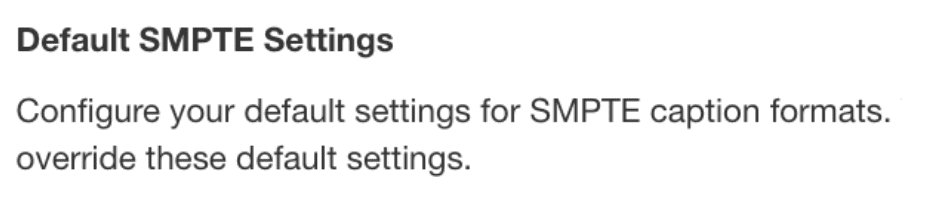
"SMPTE" - "Society of Motion Picture and Television Engineers adopted their own caption format (SMPTE)"
"The Cloud" - "Cloud Storage Applications"
"RTMP stream" - "Real-time messaging protocol"
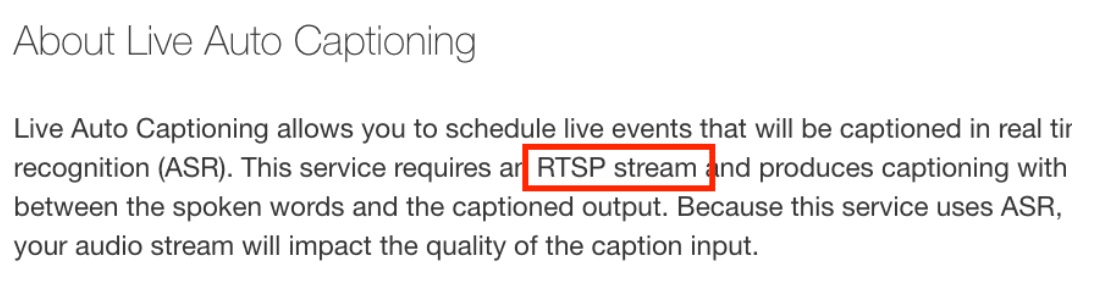
"RTSP" = "Real-time streaming protocol"
"alt text" = alternative text
"Config" = "Configuration"
"Job" = "A task running within the system"
"RT" = "Real time"
Accessibility
Avoiding tech jargon helps users understand the content from an objective perspective. Similar to abbreviations, it's hard for users to decode jargon and create context around words they are unfamiliar with.
Use cases & examples